

For the record, we here at Blueprint.Inc believes in and uses “Generative AI” where it makes sense to do so (except for writing articles – which we believe will always be best done by real people because real people are the ones that create original content). AI is just a very big database based on the work of others that outputs smart answers. Our view is that those of us who create this content should be in the value chain. Until such time that a fair and scalable licensing system is in place, here are methods to control AI bots from crawling your website content – the only thing most of us can do right now.
As of September 2024, here are the easiest ways to control which AI crawlers have access to your website.
If you work with a web host or IT provider:
Tell them you want AI crawlers blocked on your website. There are many great articles out there explaining the best way to do this based on your setup. They’ll know what to do (or you can send them the rest of this article). Just express to them that you only want to block AI bots – search engine crawlers should definitely still have access.
If you are a do-it-yourselfer with a technical background:
Do this only if you are comfortable making technical changes and understand how to test your work. As an example, you want to make very sure you are blocking GOOD bots (like search engines) while trying to block AI bots and other crawlers. Use at your own risk.
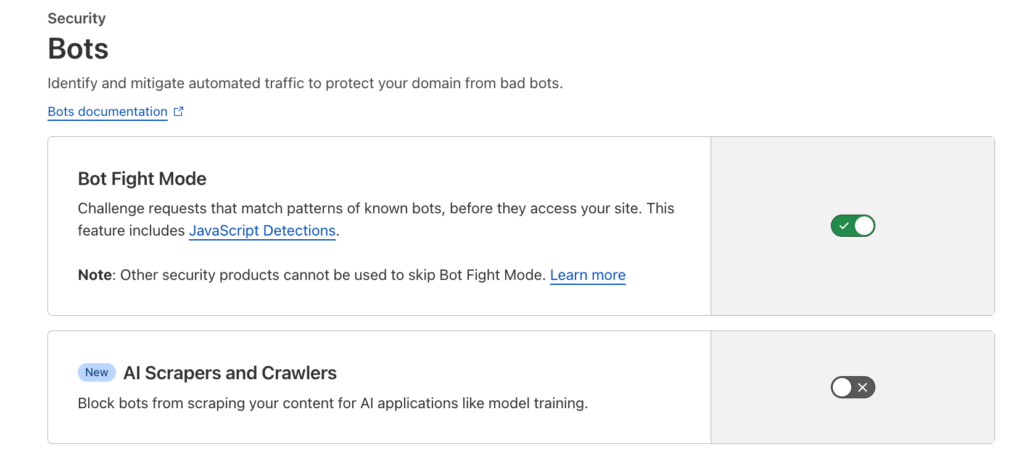
If you use Cloudflare to manage your DNS (highly recommended for overall security), turn on “Bot Fight Mode” and “AI Scrapers and Crawlers”. It’s that simple.
If you can manage your own website on a platform like WordPress or many others, you will make some edits to a file called “robots.txt”. This is an industry-standard method that well-behaved commercial providers will respect. All major web platforms offer this edit ability.
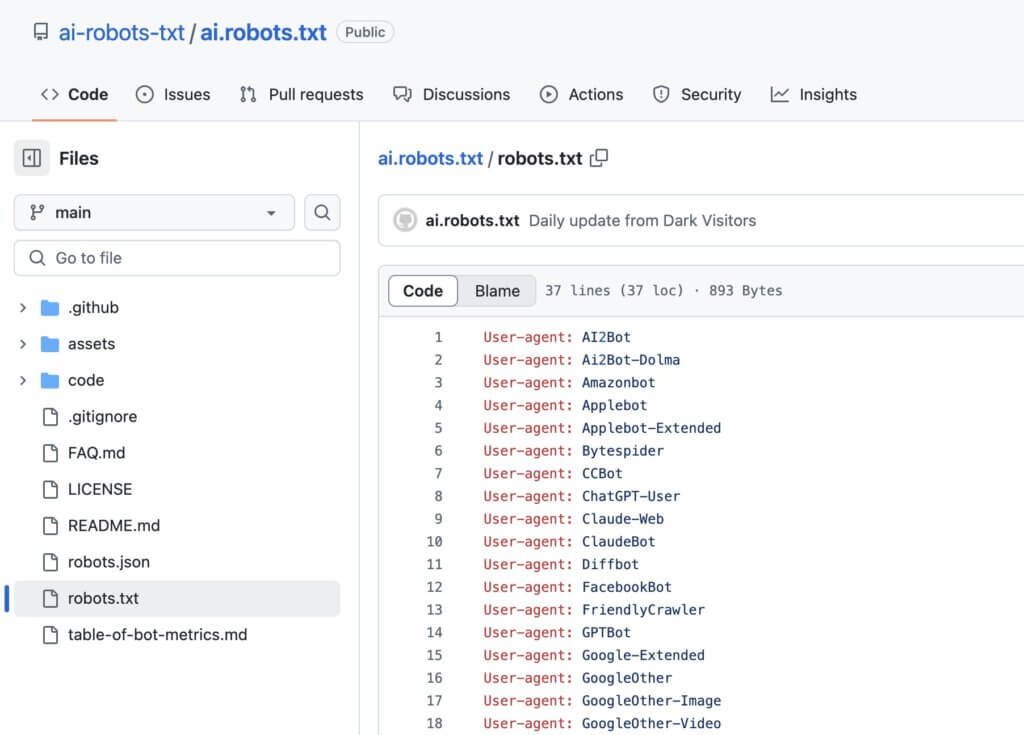
Get a regularly updated list of AI bots from this site on Github: ai-robots-txt
If you use Squarespace, you aren’t allowed to edit your own robots.txt. However, they offer a bot blocking setting (or you can use Cloudflare.)
________________
Please note that these steps WILL NOT stop “rogue” crawlers from scraping your website, which is a larger problem for everyone. At this time, there is no easy, foolproof way to block these without a big budget. However, we recommend having a quality DNS solution (like Cloudflare) and web host (like WP Engine) and working with them to have a good security solution on your website.